
Numbered passes in EventMatic: every reprint has a number and a reason
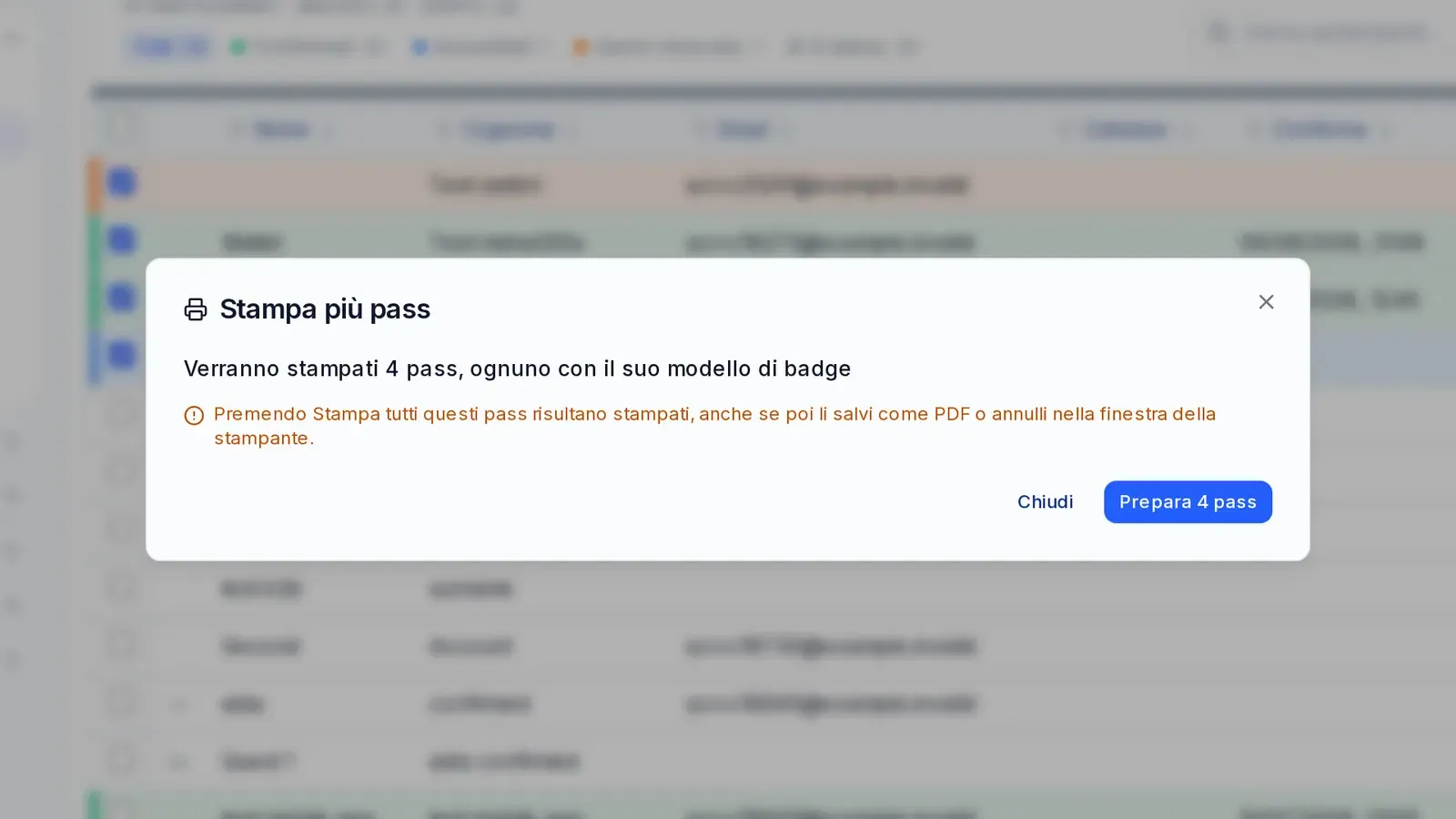
A sequential number on every pass, a reprint reason picked from a list, batch printing of several passes and a summary of passes and reprints: accreditation staff always know which pass is the right one.
At event accreditation, reprints are normal: a misspelled name, a badge left at the hotel, a last-minute change of role. The problem comes afterwards: how many passes were printed for the same person? Which one is valid? And why was it reprinted?
With EventMatic every pass now has a sequential number.
- Numbered passes. Every printed pass gets its own number; you can choose how many digits to print it with (for example 0001).
- Reprints with number and reason. A reprint gets a new number and, if the event requires it, a reason chosen with one click from a list ("lost", "wrong data"). Each event can have its own ready-made reasons.
- Several passes at once. From the attendee list you select a group and print all their passes together.
- "Passes and prints" summary. The event dashboard shows passes and reprints at a glance.
- Pre-printed passes. If some passes were printed beforehand, their number is imported with the list, even for rows without a name.
- Template and level together. If the event requires it, choosing the badge template also sets the access level.
Before printing, the dialog warns that the pass will be counted as printed: numbers stay in order and the totals add up.
Do you accredit guests, staff or journalists and want to always know which pass is valid? Request a demo: we will show you numbered pass printing on a test event.
Let's see it on an event like yours.
Tell us about the event: what kind, how many people, when. We'll show you EVENTMATIC on a case like yours, from the invitation to the door.
Or write to commerciale@infordata.it